Audience expansion in campaigns
Description
Audience expansion is a mechanism that automatically adds new profiles to a campaign from the segments of activities included in it. The expansion mechanism helps increase campaign reach and keep the audience up to date without manual updates of the source segment.
Each campaign is created based on a static or updatable segment, which defines the target audience. However, within a campaign, each activity can be configured for any segment, even if it does not overlap with the main one.
For example, a campaign is targeted at the segment Loyal customers, but inside it a mailing is created aimed at the segment New registrations. Without audience expansion, such users will not receive the message because they are not in the main campaign audience. If audience expansion is enabled for this mailing, the system will automatically add recipients from the segment New registrations to the campaign and distribute them between the test group and the local control group, if it is enabled.
- Only activities of this campaign — you cannot select a mailing or scenario from other campaigns
- Only non-completed activities — you cannot select activities with status "Completed"
- Only new profiles — only profiles that are not yet in the campaign audience are added
- Only for static segments — audience expansion is not available for campaigns with an updatable segment. In such campaigns, new profiles enter the audience only as a result of segment recalculation
How audience expansion works
The audience expansion mechanism allows dynamically replenishing the campaign with new profiles directly from the audience of launched activities. Its operation can be described by the following key principles:
-
When an activity is launched, the system determines the audience of this activity (segment or entire database) and automatically adds to the campaign audience profiles that are not yet part of it;
-
New participants are immediately distributed between the test and control groups of the campaign;
-
If a profile falls into the segments of several activities of audience expansion of one campaign, it will be added to its audience only once. Its group (test or control) will be fixed at the moment of first addition. This prevents repeated entry of profiles into the campaign audience and prevents their accidental transition from the test group to the control group when subsequent activities trigger;
-
Audience expansion works only for active campaigns.
The activity segment may be built on the basis of another profile database. In this case, the intersection with the campaign audience will be empty and the message will not be sent to anyone. Before adding an activity to a campaign, make sure that the activity segment and the campaign segment are built on the basis of the same profile database.
Profile addition process
For each profile in the audience of the launched activity, the system checks:
- Campaign participation: It is checked whether the profile belongs to the campaign audience at the time of the activity launch.
- If yes — it will receive the message (if it is not in LCG).
- If no — the profile will be distributed into the test or control group according to the local control group settings. Profiles that fall into the test group will receive the message, those that fall into the control group — will not.
Usage example
Scenario without audience expansion
The campaign uses the profile database CRM_Base and segment Loyal customers (100 profiles).
A broadcast is created with the segment New registrations (50 profiles). These users do not belong to the campaign and do not overlap with its main segment.
When the broadcast is launched, the message will not be sent to anyone, because there is no intersection between segments — these profiles are not in the campaign.

Scenario with audience expansion
If you add the broadcast to the Audience expansion list in the campaign settings, the system will include all recipients from the segment New registrations in the campaign.
After that, profiles will be automatically distributed between the test group and the local control group.
Audience expansion setup
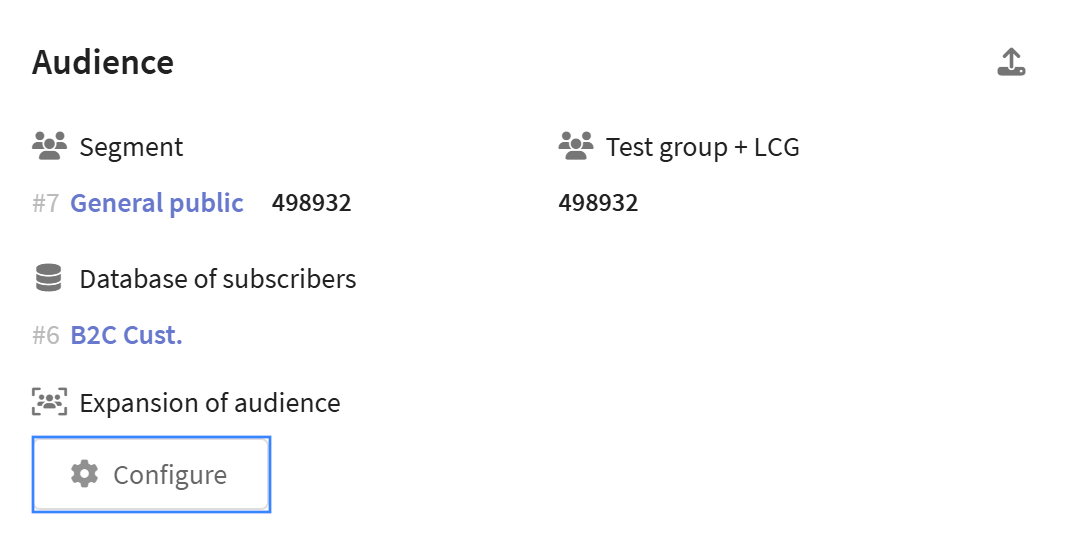
Audience expansion configuration is located in the Audience section of the campaign editor in the Audience expansion block:
Selecting activities
In the "Audience expansion" block, various types of activities are available for selection:
- Broadcasts — one-time mass Messages
- Regular Messages — periodic communications on a schedule
- Triggered Messages — automated sends based on events
- A/B tests — comparison of variant effectiveness
- Scenarios — multi-step automations
- Placements — tool for content placement
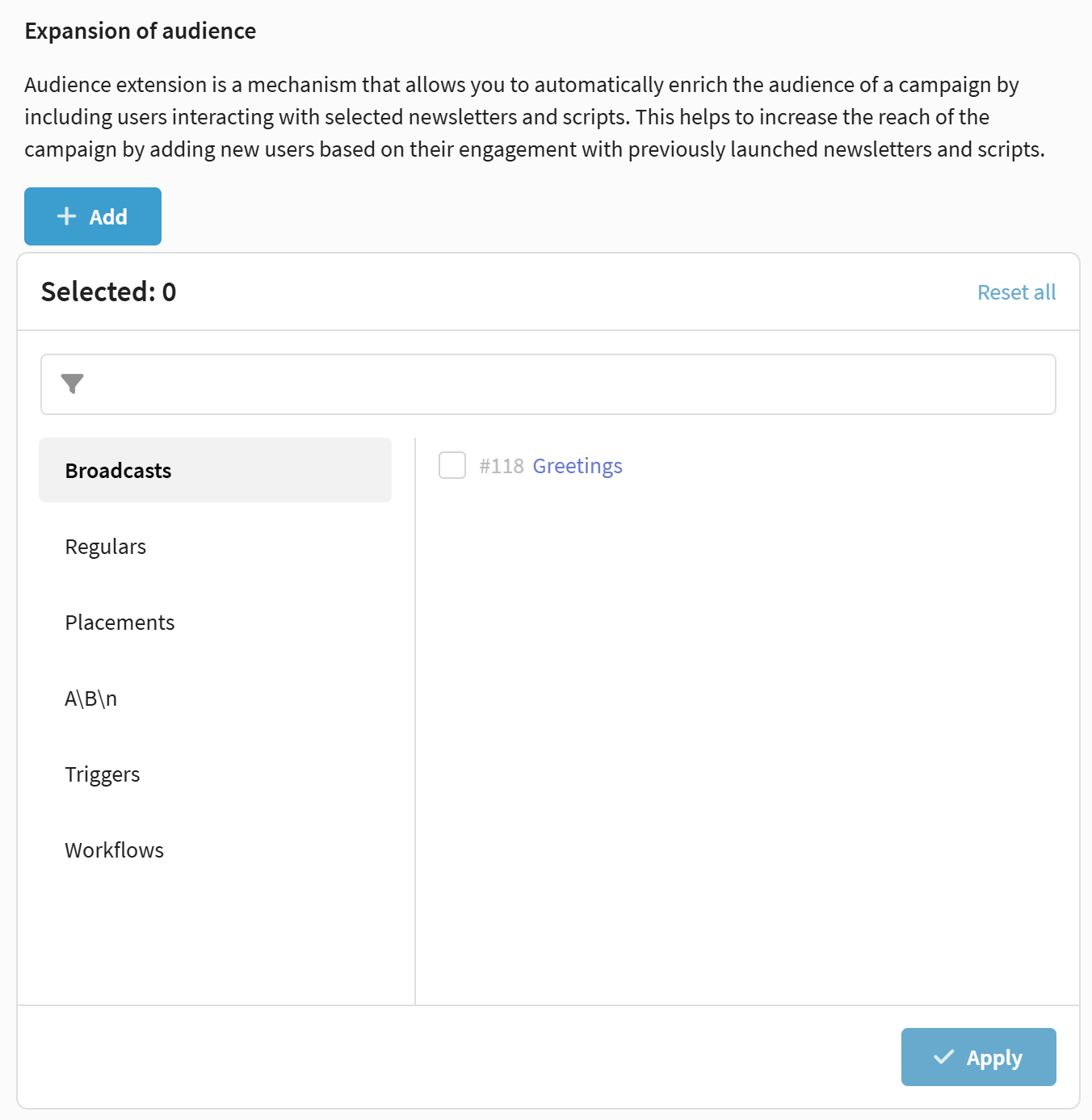
You can select multiple activities. Each of them will independently add new users to the campaign when it is launched.