Mobile Push
The setup of browser push notifications is described in the corresponding article.
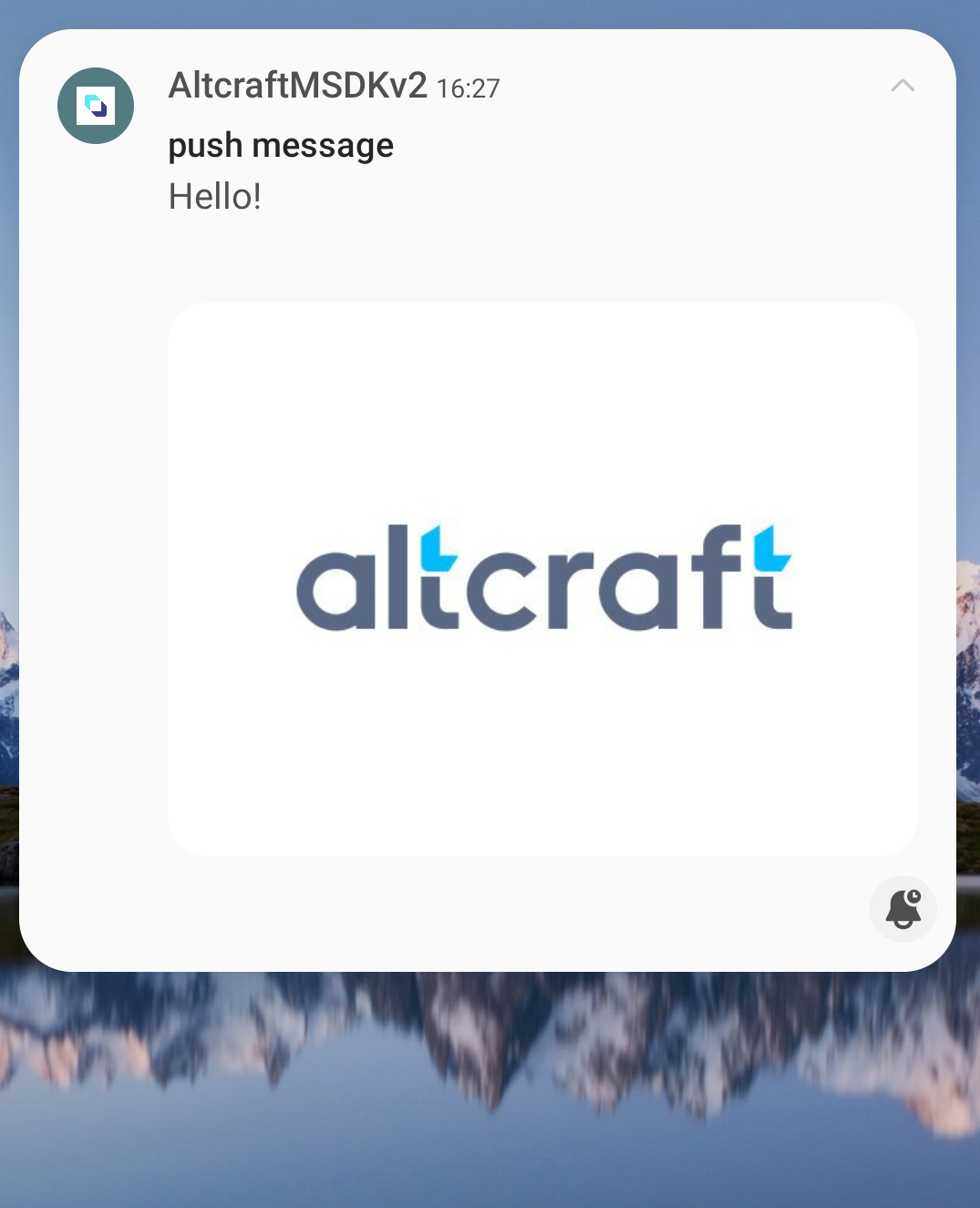 | Mobile Push are notifications sent from mobile applications. They appear in the notification center of a mobile device — in the notification shade of Android and iOS. |
Unlike Web Push, Mobile Push notifications are delivered to an installed application, not to a browser.
The delivery method of push notifications depends on the platform and application implementation:
- On Android, FCM is most commonly used, but it is not the only option: an application can work with another push service if supported on both the application and server side.
- On iOS, push notifications are delivered through APNs. The user must grant permission to receive them.
Push Tokens
A push token is a unique identifier linking a user's device to a push service. The token is assigned when the device registers in the application.
The token may change when:
- the application is reinstalled
- the operating system is updated
- notification settings on the device are changed
Altcraft mSDK integrated into the app automatically updates the push token.
Providers
| Provider | Platforms | When to Use |
|---|---|---|
| Firebase Cloud Messaging | Android, iOS | Main provider for Android |
| APNs | iOS | Direct integration with Apple |
| AppMetrica | Android, iOS | When using AppMetrica SDK |
| Huawei Mobile Services | Android, iOS | Huawei devices without Google |
| RuStore | Android | RuStore ecosystem |
Yandex.AppMetrica uses Google Firebase SDK for sending. The Firebase SDK must be installed for sending.
Application Integration
For Mobile Push to work, Altcraft mSDK integration into the mobile application is required. mSDK handles push provider connection, subscription token submission, notification display, and event registration.
Select your platform and follow the guide:
For more details, see the section Application Integration with Altcraft.
Rich Push
Rich Push allows sending notifications with extended elements: banners, buttons, deeplink. Setup is available when creating a template.
For more details, see the article Push Templates.
Quick Start
- Provider Overview — selecting providers for your application
- First Mobile Push Mailing — step-by-step guide
- Application Integration — mSDK technical integration


First Mobile Push Mailing


Mobile Push Providers
Integrate your app with Altcraft
This section contains a step-by-step guide for integrating a mobile app with Altcraft Platform to send push notifications.

