Static segment synchronization
Data from static segments can be synchronized with external SQL tables. Updates occur on the following events:
- Adding/removing profiles to/from a segment
- Clearing a segment
- Creating/updating/deleting a segment
Create a connector to the external SQL storage beforehand. Instructions — here.
Step 1. Create an Integration
Navigate to Integrations. Click + Create on the SQL card. Enter a Name and Description. Select the type — Static segment synchronization. Enable the activation toggle: | 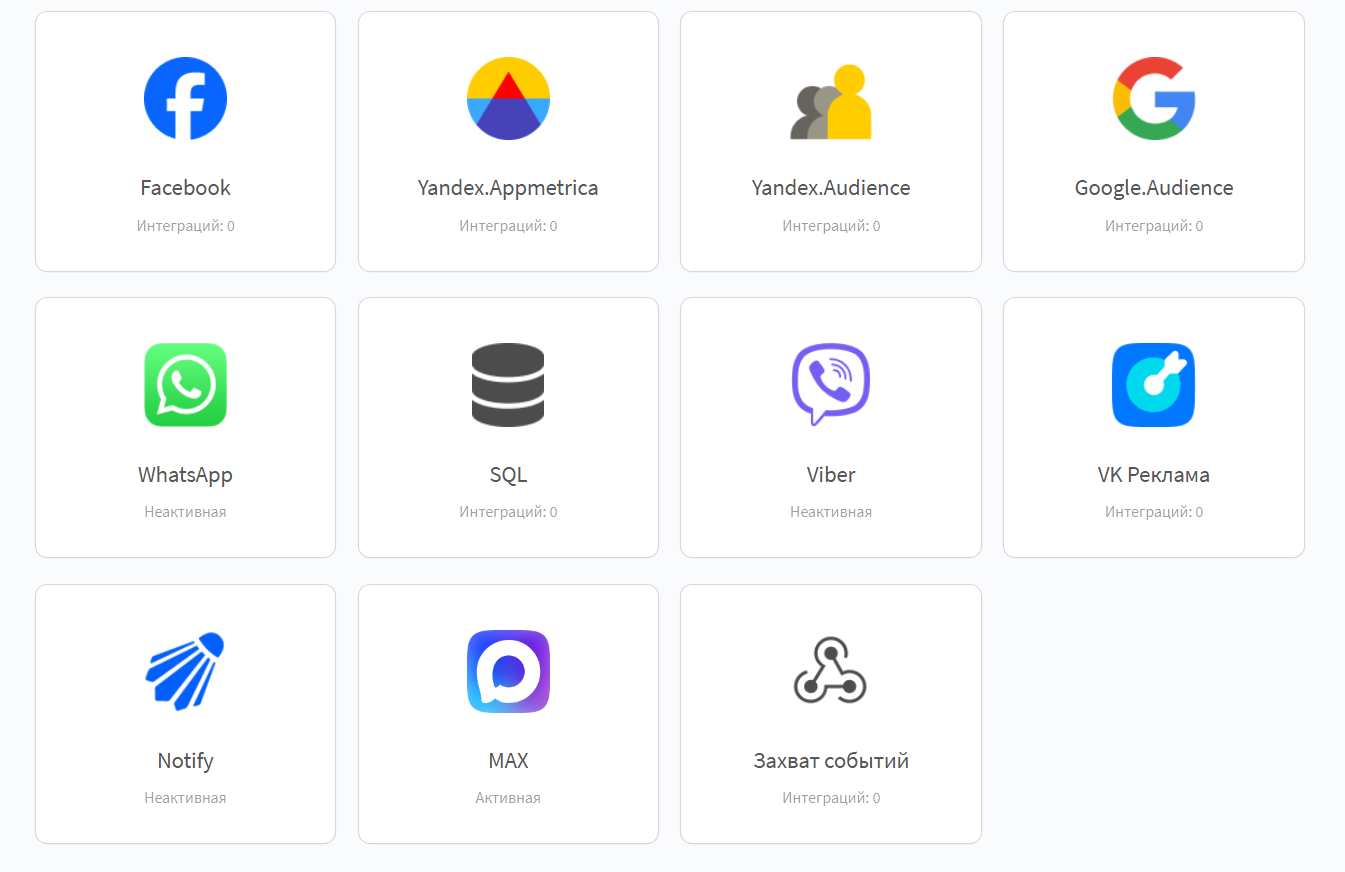 |
Step 2. Set the Integration Scope
Set the integration scope. Select the SQL connector for the storage: | 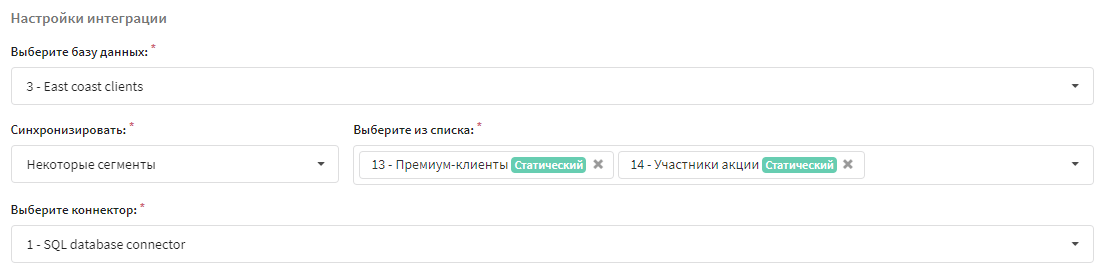 |
Step 3. SQL Queries for Event Synchronization
Configure SQL queries for adding and deleting data on segment events. Profile data and logical expressions can be used in the queries: | 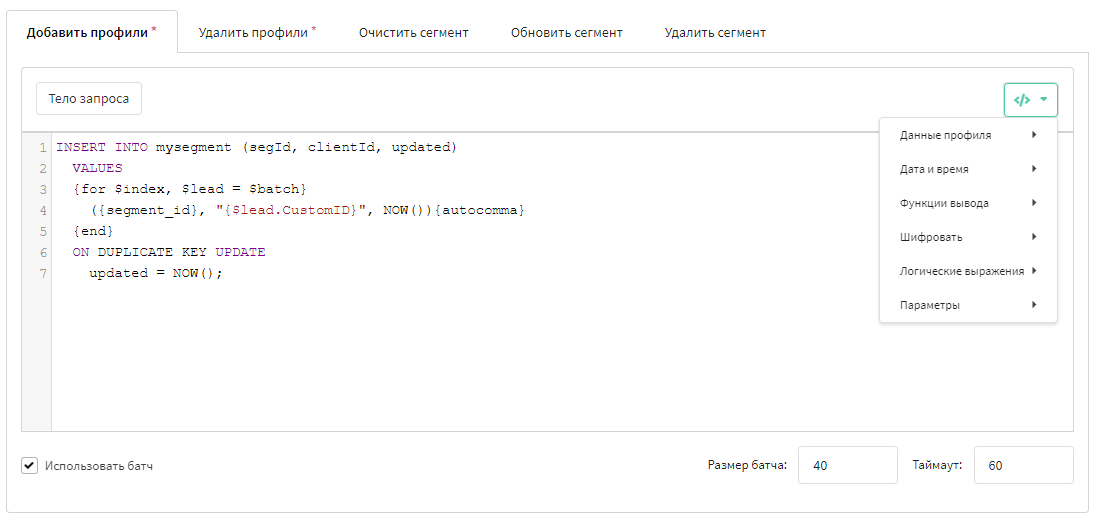 |
Adding and Removing Profiles
Queries for adding and removing profiles are mandatory.
Export can run profile by profile or in batches. For batches, set the Batch size and Timeout (default — 60 seconds).
How batching works:
- Batch size — the maximum number of profiles combined into a single SQL query. Measured in profiles.
- Timeout — the waiting time (in seconds) within which a batch must be collected. Default is 60 seconds.
- A batch is sent to the DB when the first of the two conditions is met: enough profiles to fill the Batch size are collected, or the Timeout expires. If fewer profiles than the batch size are collected within the timeout, the batch is sent as is.
Batch size and timeout are related: the larger the batch size, the longer the platform may keep collecting profiles before sending; the timeout limits this waiting time from above.
If the batch switch is not activated, each profile is sent as a separate query.
Example of table structure
mysegment
+----------+--------------+------+-----+---------+-------+
| Field Type | Null | Key | Default | Extra |
+----------+--------------+------+-----+---------+-------+
| segId int(11) | YES | | NULL | |
| clientId varchar(255) | YES | | NULL | |
| updated datetime | YES | | NULL | |
+----------+--------------+------+-----+---------+-------+
segId — segment ID, clientId — client ID, updated — event time.
Example of a batch query for adding profiles
INSERT INTO mysegment (segId, clientId, updated)
  VALUES
  {for $index, $lead = $batch}
    ({segment_id}, "{$lead.CustomID}", NOW()){autocomma}
  {end}
  ON DUPLICATE KEY UPDATE
    updated = NOW();
{segment_id} — segment ID, {$lead.CustomID} — custom profile field. Altcraft variables.
Example of a batch query for removing profiles
DELETE FROM mysegment
WHERE segment_id = {segment_id}
AND clientId IN ({batch_in "CustomID"})
Example of a query for clearing a segment
DELETE FROM mysegment
WHERE segment_id = {segment_id}
Adding/Updating and Deleting a Segment
Example of table structure
segments
+-------------+--------------+------+-----+---------+-------+
| Field Type | Null | Key | Default | Extra |
+-------------+--------------+------+-----+---------+-------+
| name varchar(255) | YES | | NULL | |
| segment_id int(11) | YES | | NULL | |
| updated datetime | YES | | NULL | |
+-------------+--------------+------+-----+---------+-------+
Example of a query for adding/updating a segment
INSERT INTO segments (segment_id,name,updated)
  VALUES
     ({segment_id}, "{segment_name}", NOW())
  ON DUPLICATE KEY UPDATE
    name = "{segment_name}",
    updated = NOW();
Example of a query for deleting a segment
DELETE FROM segments
WHERE segment_id = {segment_id}
LIMIT 1
Single quotes ' in profile data are escaped:
| Database | Symbol | Example |
|---|---|---|
| MySQL, MSSQL, PostgreSQL, Oracle | ' | value''s |
| ClickHouse | \ | value\'s |
Step 4. Save the Integration
Click Save. The integration is ready to use.
Synchronization Statistics
The Synchronization statistics block shows the number of successful SQL queries and errors. The Start resync button recalculates the data: | 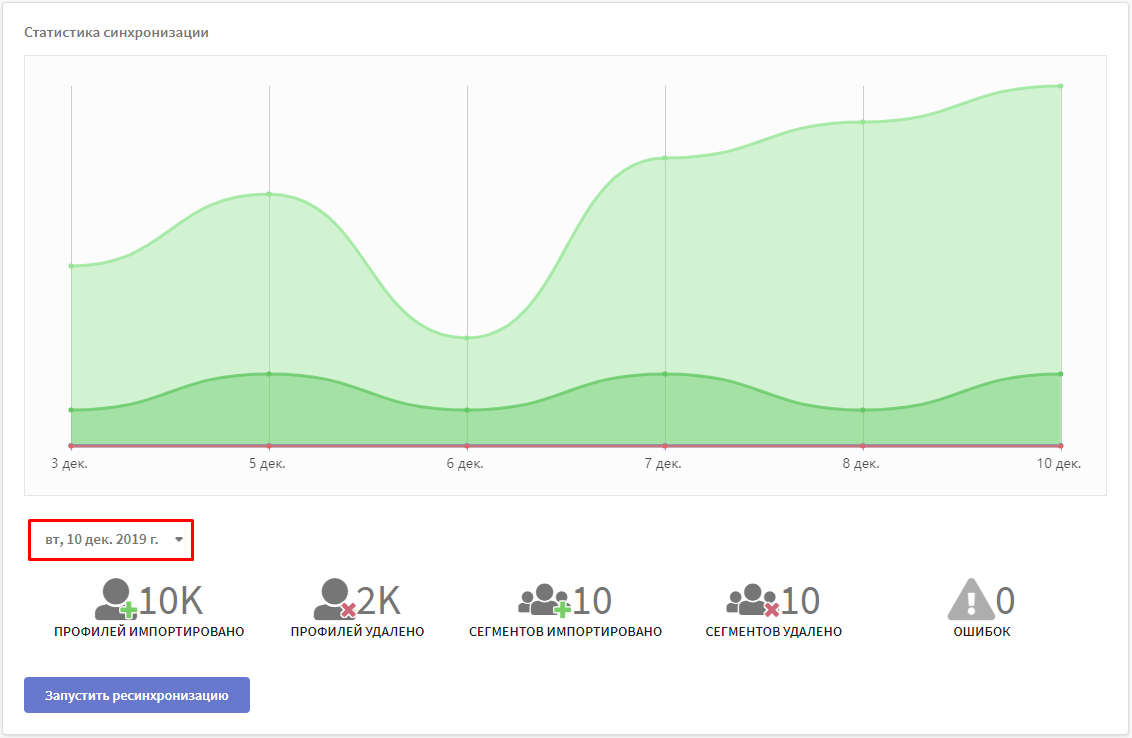 |